VST3 · Windows
Put In-Time on any track. It picks up the tempo from your session on its own. Then it shows you the reverb and delay times that fit. Scroll to the one you want and press COPY.
Drops in November · VST3 · Windows 10 / 11
What it gives you
Switch between them with the three buttons. Each list remembers where you left it.
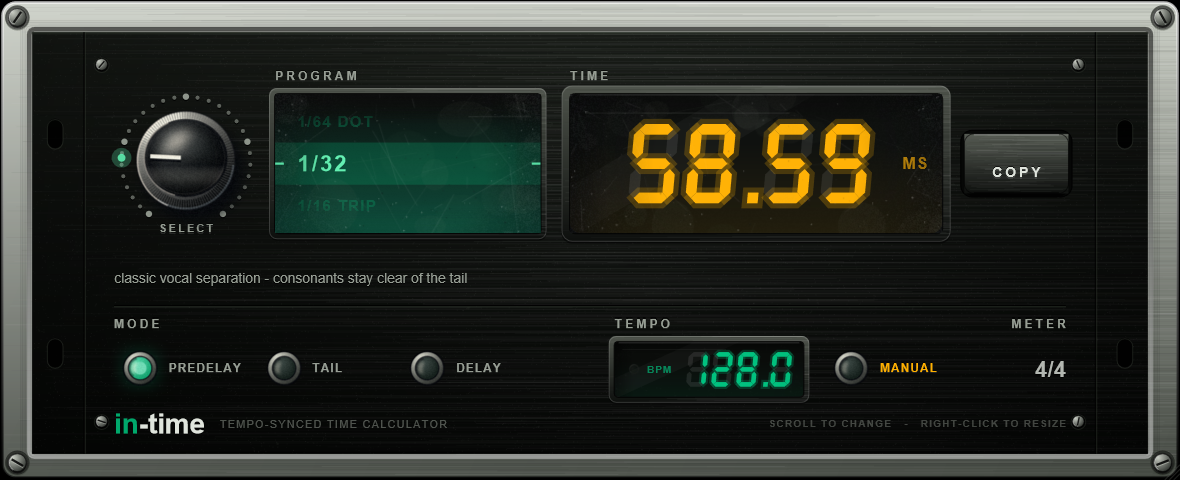
How long to wait before the reverb starts, in milliseconds. Every note length at your tempo, shortest first.
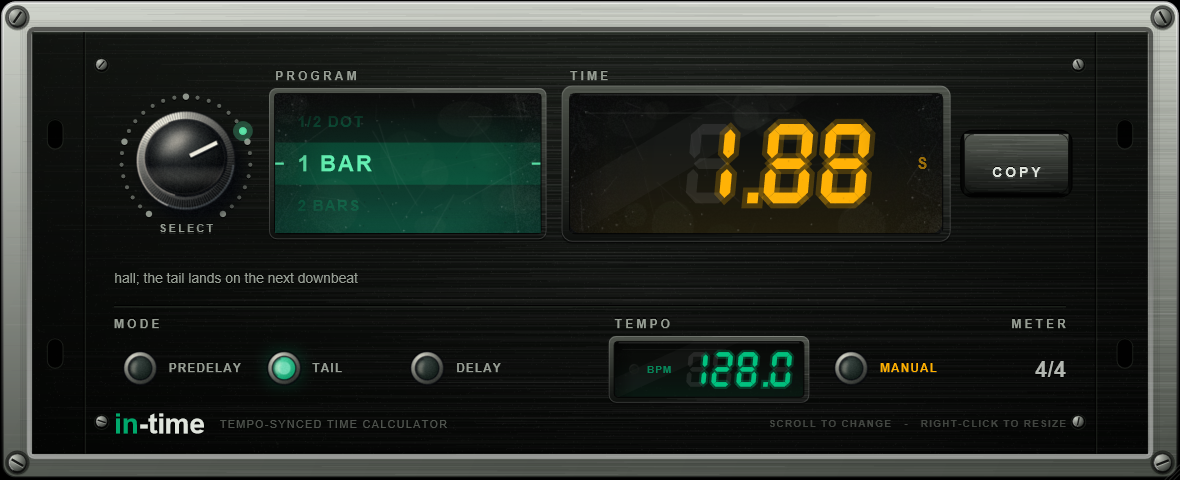
How long the reverb should ring out, in seconds. From a short gated tail up to four bars.
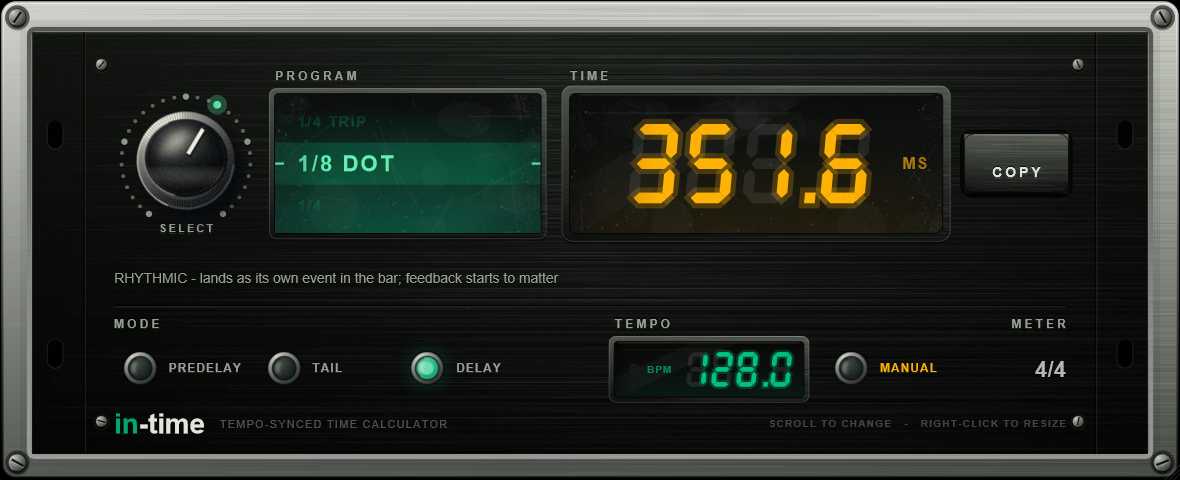
Delay times at your tempo, and the name of the delay each one gives you. The same 1/32 is a doubler at 200 BPM and a slapback at 90, so it tells you which one you are getting.
Under the window
There is a line under the window for every setting, saying what it will sound like. These four are at 128 BPM.
1/64 Trip
19.53ms
Tightens the source; reads as size, not as a delay.
1/32
58.59ms
Classic vocal separation — consonants stay clear of the tail.
1/8 Dot
351.56ms
Rhythmic — lands as its own event in the bar; feedback starts to matter.
1 Bar
1.88s
Hall; the tail lands on the next downbeat.

Drops in November
A VST3 for Windows. It does not touch your audio, so you can leave it on any track. Put your email in and we will tell you the day it drops.